All Roads lead back to GLM-5.2
GLM-5.2 FP8 · IQ4_NL · Q2_K_XL · 8bit-KV · 3.25 BPW (EXL3) · DeepSeek-V4-Flash · DeepSeek-V4-Flash 0731 · MiniMax-M3 · Qwen3.6 27B · Laguna S 2.1 · DSpark
The model roster keeps growing. Since the last post, I've added Qwen 3.6 27B NVFP4 and
Poolside Laguna S 2.1 NVFP4 to the lineup — and, most interestingly, a very specific
community quant of GLM 5.2 that's been the standout of this round:
willfalco/GLM-5.2-EXL3-TR3-3.25bpw.
Our hunt for the frontier at home continues, and it has led us back to GLM 5.2. As per usual, a whole lifetime of AI progress has occurred since the last post here. Poolside released Laguna S 2.1, Deepseek released Deepseek V4 Flash 0731 (apparently DSV4F was a "preview" this whole time?)... and probably more that I'm forgetting!
I personally found both Poolside Laguna S 2.1 and DSV4 Flash 0731 to not quite stack up to their benchmark numbers and I cannot help but notice both of them achieved their benchmark numbers on their own custom harness. This makes me suspect maybe a bit of data snooping and overfitment. Deepseek reported DSV4F-0731 benchmarks that put it better than native GLM 5.2 with scores like terminal bench v2.1 at 82.7% vs GLM which scores 81%.
I cannot find anyone who honestly thinks DSV4F-0731 is better than GLM 5.2 and I think it's relatively clear what happened there. I just mostly hope this isn't an industry trend for open-weight models to make them essentially only work in some proprietary harness, but also for that harness to be mostly tuned to work good on benchmarks. There are lots of things you can do to a harness to make it improve on benchmarks but make the user experience worse.
There are *many* versions of GLM 5.2 that the RTX Pro 6K discord people have been working on, and slowly they've been getting more and more optimized. The NF3 variant is also very good. I haven't benched it yet, but it is quite fast (for a 742M parm model) at often over 100 tok/sec. Here are some of the models that have been worked through and their KLD compared to the actual NVFP4 GLM 5.2:
| Weights | KV format | KLD |
|---|---|---|
| NF3 | Dynamic NVFP4 + RoPE8 | 0.139036 ± 0.002010 (n=3) |
| NF3 | Standard FP8 + BF16 RoPE | 0.1263 † |
| EXL3 3.0-bpw | Dynamic NVFP4 + RoPE8 | 0.119525 |
| EXL3 3.0-bpw | Standard FP8 + BF16 RoPE | 0.102508 |
| EXL3 3.25-bpw | Dynamic NVFP4 + RoPE8 | 0.095971 |
| EXL3 3.25-bpw | Standard FP8 + BF16 RoPE | 0.087711 |
| EXL3 3.36-bpw | Dynamic NVFP4 + RoPE8 | 0.077767 |
| EXL3 3.36-bpw | Standard FP8 + BF16 RoPE | 0.068458 |
The 3.25 BPW variant in the table above is the one driving our current top score. It's
willfalco/GLM-5.2-EXL3-TR3-3.25bpw
on Hugging Face. There's also a slightly-larger sibling,
willfalco/GLM-5.2-EXL3-TR3-3.36bpw,
which is on the roadmap but not something I'm rushing to test just yet. No question the KLD is better overall for the 3.36, but
the 3.25 was cherrypicked for coding specifically. I believe the 3.36 is focused more on overall KLD. I am certain both are great though and I *am* curious about 3.36 too! Just only so much time and I prefer to run models both thru Terminal Bench V2.1 but also actually drive as a main model before giving my thoughts.
The EXL3 is short for EXLlamaV3. It's a quantization format targeted for a specific CUDA inference engine. EXL3 also allows for mixed precision.
TR3 is tree based quantization, specific to EXL3.
3.25 BPW is 3.25 bits per weight, on average. Typically, more precision = better, but also slower. These particular models are highly optimized to have more bits for the things we care about and less for the things we don't. But this is all obviously a "taste" type of thing about what you'd pick.
Ok, so how do these models stack up?
The 3.25 BPW EXL3 GLM 5.2 comes in at #1 now, with 3 more tasks solved and 69% overall on terminal bench, which is very solid. This further drives home my personal suspicion that GLM 5.2 "FP8" on OpenRouter was actually NVFP4. It's also very impressive just how good DSV4F-preview DSpark is/was, especially given it's speed as a model. I've since run 0731 through the same harness and added it to the charts below. It comes in at 49% (44/89), well below the preview DSV4F. I do see lots of people like the 0731 version but I at least personally think the preview was actually better and there can be almost no doubt that 0731 was overfit to benchmarks.
I am currently seeing ~80 tok/sec with GLM 5.2, a far cry from the 300+ from DSV4F-DSpark-preview. I am not totally confident that I'll stick with GLM 5.2 over DSpark, especially given concurrency, but I am a big fan of GLM 5.2's intelligence, which seems to show through very nicely on this 3.25 BPW variant.
I've started using OMP (https://github.com/can1357/oh-my-pi/) for a coding agent, and I think I may bounce around between DSV4F and GLM 5.2 using this harness, but, interestingly, I really think it's going to be DSV4F-preview, not 0731.
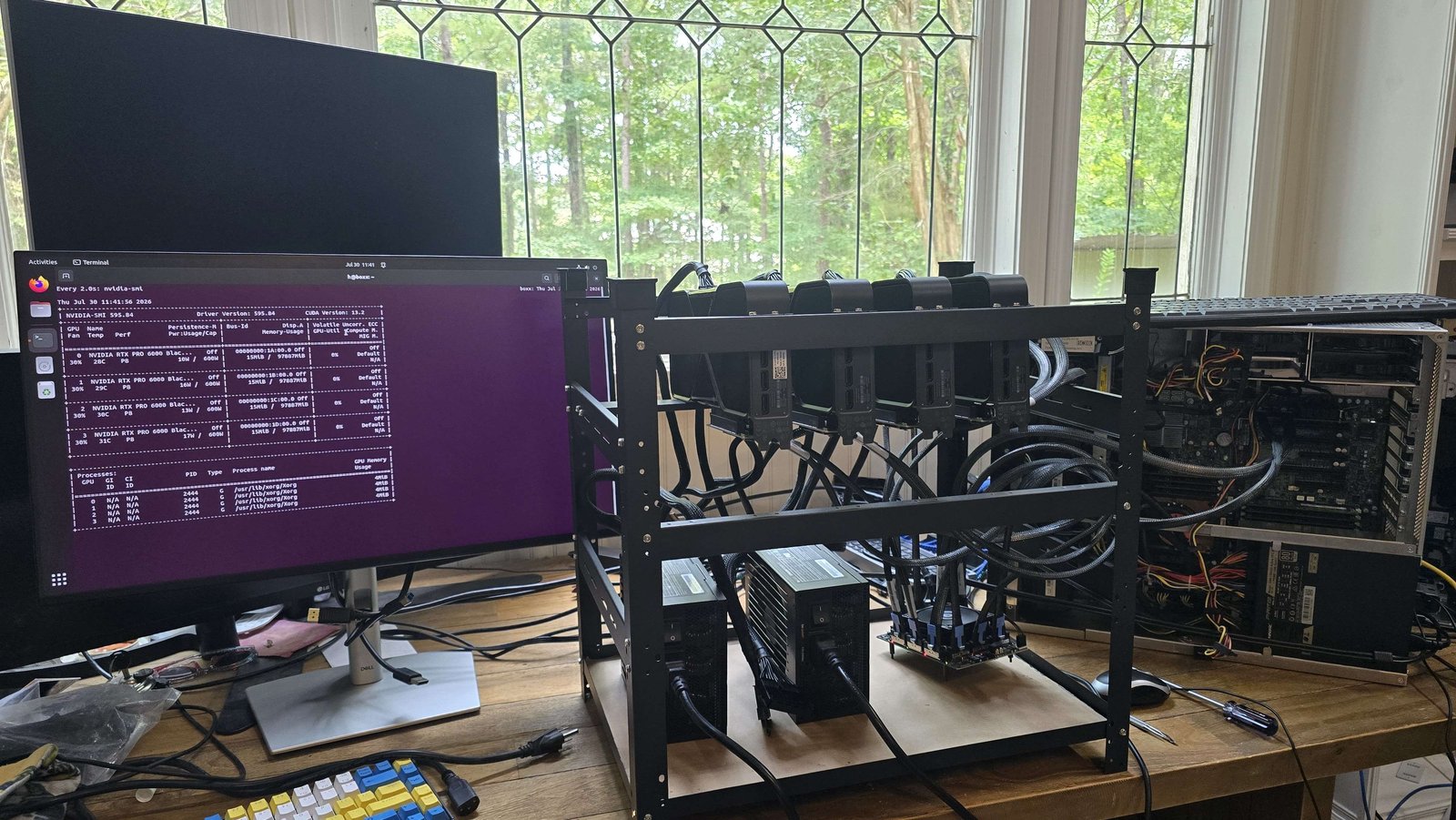
Besides the model choices and testing, a lot of work went into actually achieving 4x RTX Pro 6K cards in any decently reliable and stable way. I ended up using a PCIe switch, MCIO cables, a retimer, and PCIe adapters for the GPUs.
The Gen 5 PCIe switch topology
The goal is to get all four GPUs talking to each other over PCIe Gen 5 peer-to-peer (P2P), regardless of what generation the host motherboard happens to be. That's what the PCIe switch and retimer are for, they let the cards form a fast private network that the host CPU only has to reach once. One caveat: this "motherboard generation doesn't matter" point holds for a single switch. If you start chaining multiple switches together, those switches communicate through the host, so the inter-switch link runs at whatever generation the motherboard's slot is and that's where a Gen 3 or Gen 4 board would actually start to bottleneck you.
Reading the diagram
The host motherboard contributes one PCIe slot per switch, and each switch gives 4 cards. That slot can be Gen 3, Gen 4, or Gen 5, it genuinely doesn't matter for the P2P performance of 4 cards, because the host is not in the hot path. The CPU only needs to reach the switch once to set things up; after that the GPUs talk directly to each other through the switch and never bounce off the host. The one exception is if you chain multiple switches: switch-to-switch traffic goes through the host, so then the slot generation does become the bottleneck for that link.
Plugged into that single slot is a retimer, bridging down from the motherboard slot. PCIe Gen 5 runs at 32 GT/s, and at that frequency a signal degrades quickly over distance, so the retimer conditions and re-drives the signal so it survives the cable run intact. From the retimer, two MCIO cables carry the signal into the input side of a PCIe Gen 5 switch. MCIO is just the physical cabling standard. It's a high-density, high-speed interconnect cabling that carries PCIe lanes over a cable instead of board traces. The speed of that retimer-to-switch link depends on what the connection to the retimer is actually negotiated at, not necessarily Gen 5.
The switch is the heart of it. On its output side there are more MCIO connectors, fanning out to the four GPUs, with two MCIO cables per GPU. Because a GPU's physical slot is PCIe, not MCIO, each GPU sits behind an MCIO-to-PCIe x16 adapter that translates the cable back into a standard x16 slot the card can plug into. The important part: every link from the switch out to the cards, and every card-to-card path through the switch, is Gen 5. So even if the motherboard is only Gen 3 or Gen 4, the four GPUs are speaking to each other at full Gen 5 P2P, unless you have something like two switches and now you need those 2 switches to talk to eachother through the motherboard.
ReBAR and Above 4G Decoding
There are two BIOS settings you really want, or everything's nerfed. The problem is many motherboard BIOS are lacking one or both.
ReBAR (Resizable BAR) lets the CPU map a GPU's entire VRAM as one big contiguous addressable block, instead of the legacy approach of peeking through a tiny 256 MB aperture window. For normal single-GPU work that's an optimization; for P2P between multiple GPUs it's close to a requirement. Without ReBAR, large memory-mapped transfers and GPU-to-GPU copies get chopped up to fit through that 256 MB window and bandwidth collapses. With it, the CPU can hand the GPUs each other's full memory maps and let them transfer directly.
Above 4G Decoding is the other one. By default, legacy PCIe addressing only assigns device memory below the 4 GB mark. Every modern GPU has far more than 4 GB of memory, and the switch and its address space sit well above that line too, so without 64-bit (above-4G) address decoding enabled the BIOS won't even map the devices correctly and the topology won't come up. Both settings have to be ON.
Get those two right, and the generation of the host slot stops mattering as much, other than for things like speed of model loading. The cards form their own Gen 5 fabric through the switch and the host is just a spectator that set up the initial mappings.
My personal struggle here was finding a motherboard that I wanted to "dedicate to the cause" and that also had these BIOS settings. I started off trying to use an older Puget Systems machine, because it has quite a few PCIe Gen 4 slots, a terabyte of RAM, and just plain made a lot of sense to dedicate to being the AI server. But this machine totally crapped its pants when I plugged 3 and 4 GPUs into the switch. 2 was fine. And, interestingly, this is the machine I was running 3x RTX Pro 6K in directly. But 3 in the switch was too much. I got stuck in a boot loop and ended up reseating the CPU to no avail and then later deciding it was probably the BAR and discovered there was no available BIOS for the supermicro board. But also simply could not update the bios to the latest version, probably because it was many years old and the leap I was asking it to make was too high, but supermicro doesn't seem to make older BIOS available.
Then I tried to use a Dell T2 tower, because that machine has a Gen 5 slot and it's definitely nice to have gen 5 model loading speeds when you're testing and tinkering with lots of models. But, for some reason, despite that machine having ReBAR and Above 4G decoding, the switch would just immediately cut off as soon as I booted into an OS. I did want to try degrading that slot to PCIe 4 or 3, but this isn't an option in that Dell proprietary BIOS.
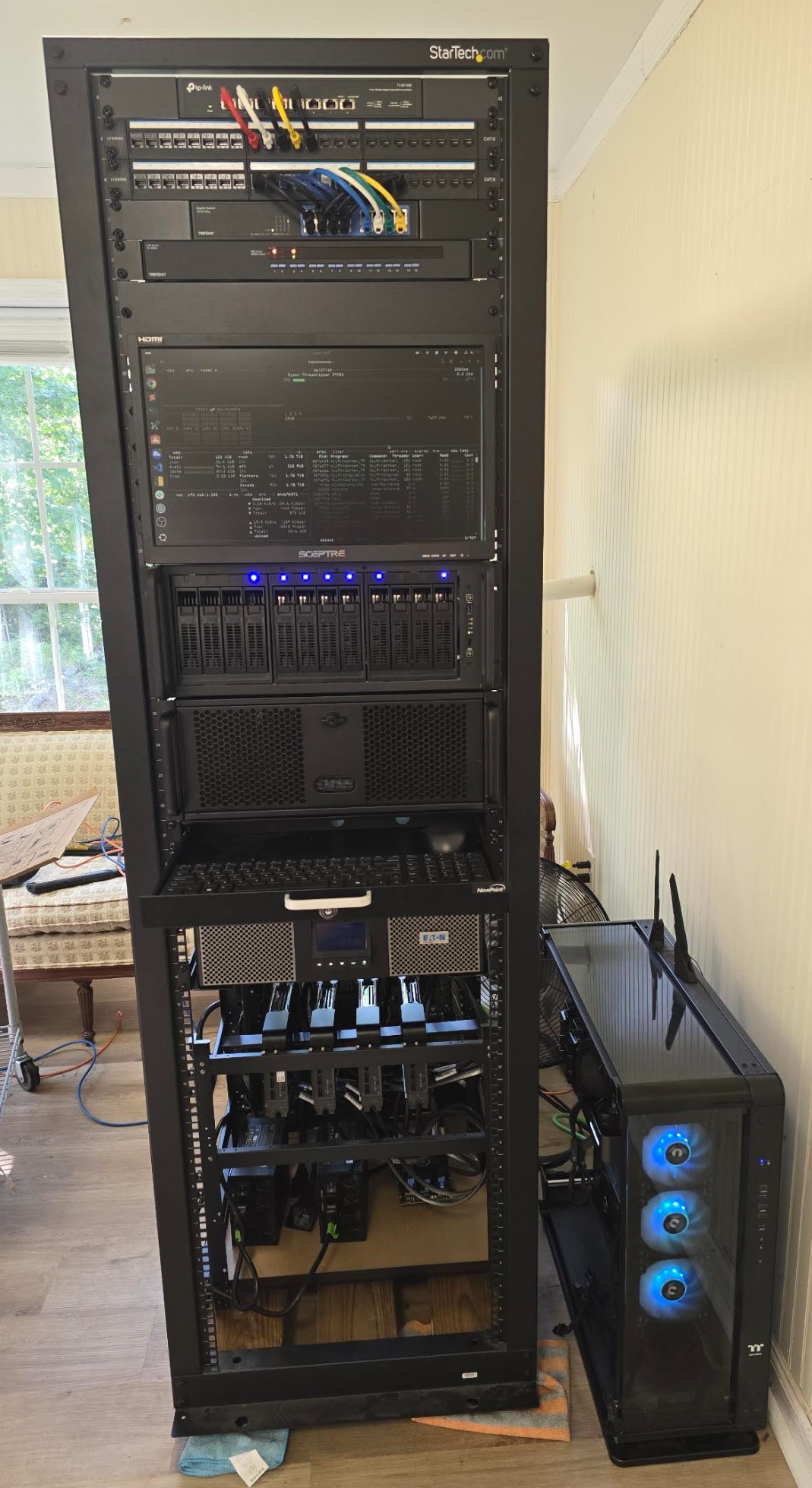
Then I tried an older dual cpu PCIe 3.0 machine, similar story, no ReBAR. It would at least load everything, but performance was nerfed. Then I tried an older workstation, it wouldn't even post with the switch. Then I decided to dedicate my current (at the time) work machine. That's a PCIe gen 4 board, with ReBAR and Above 4G decoding in BIOS. It also had the added benefit of keeping the switch on when the OS loaded. So I ended up dedicating my workstation to the cause, and taking the Dell T2 tower as my new main work computer. Loaded up the GPU mini rack into the full size rack, and have been enjoying GLM 5.2 mostly since.
Until next time!